Expense Tracking: a free expense tracker app for personal and business finances
A modern, minimal expense manager for personal and business finances. Track your money, manage loans and a running ledger with people, run your business with a team, back everything up to the cloud, and achieve your financial goals, all fully usable offline.
Launched · 100+ users · Rated 5★ on the App Store and Google Play
Track every expense, manage loans and IOUs, run your business with your team, and crush your savings goals, all in one beautifully designed app that makes personal and business finance effortless.
Languages Supported
Currencies Supported
Active Users
Rated on iOS & Android
Features
Everything you need to master your finances
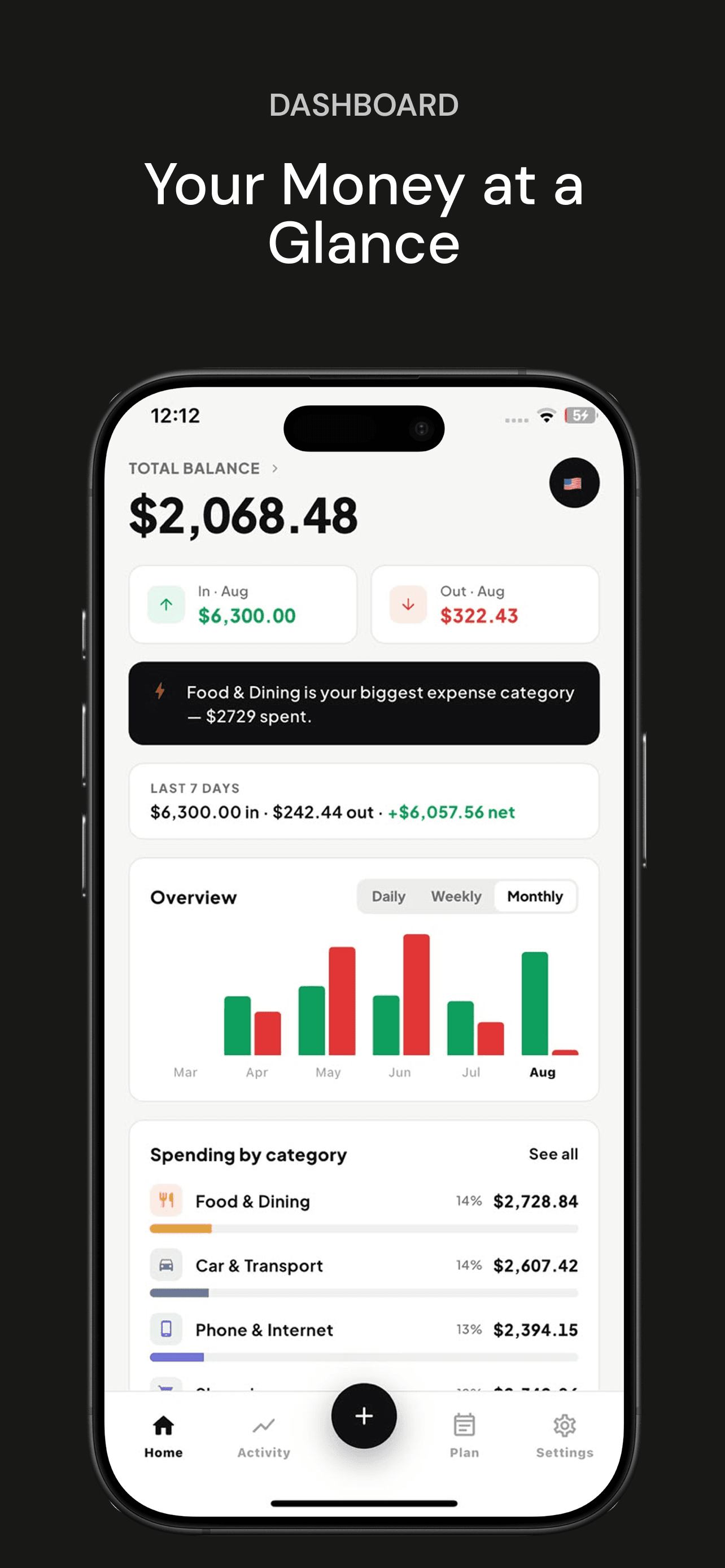
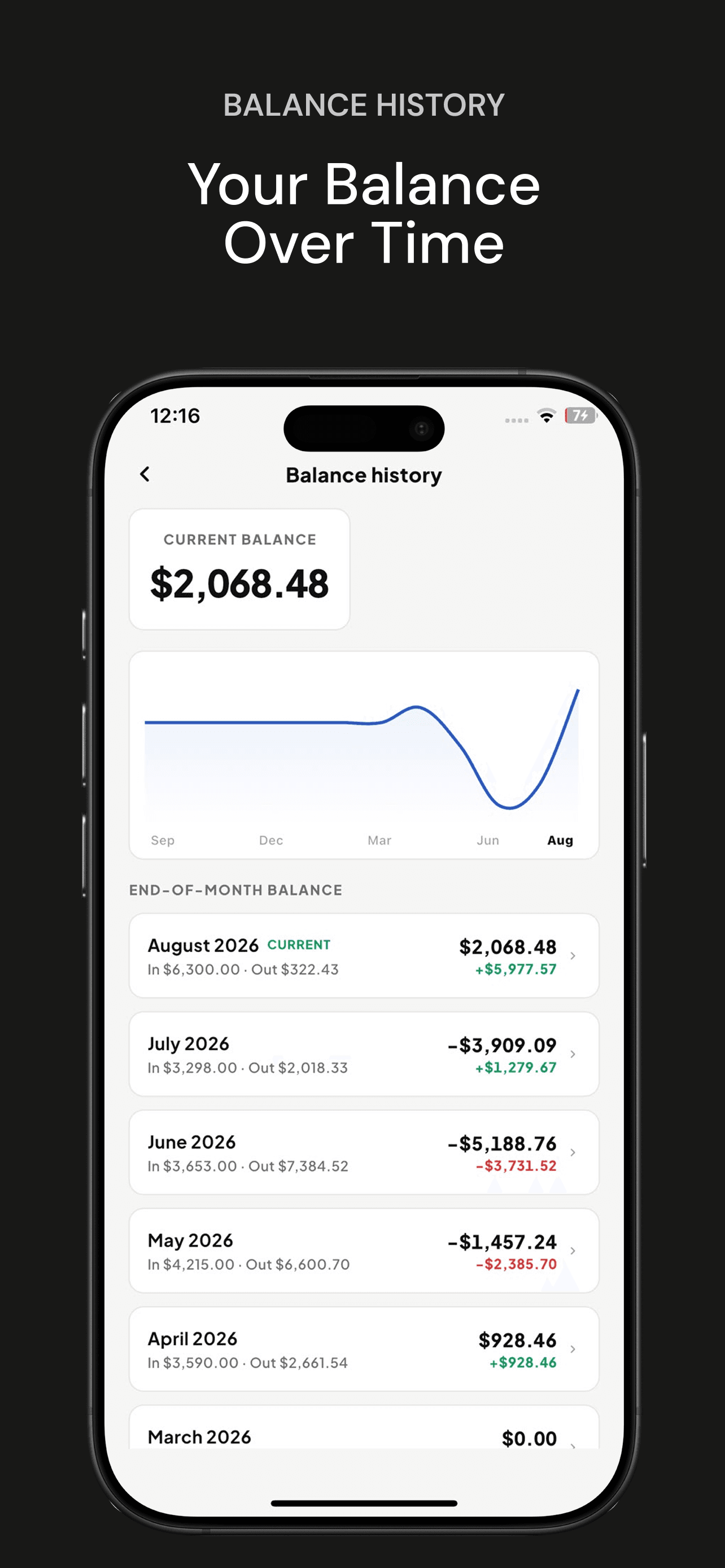
An Account Summary with switchable pie/bar charts, Smart Insights that surface spending patterns automatically, and side-by-side Period Comparison for day, week, or month vs. the period before.
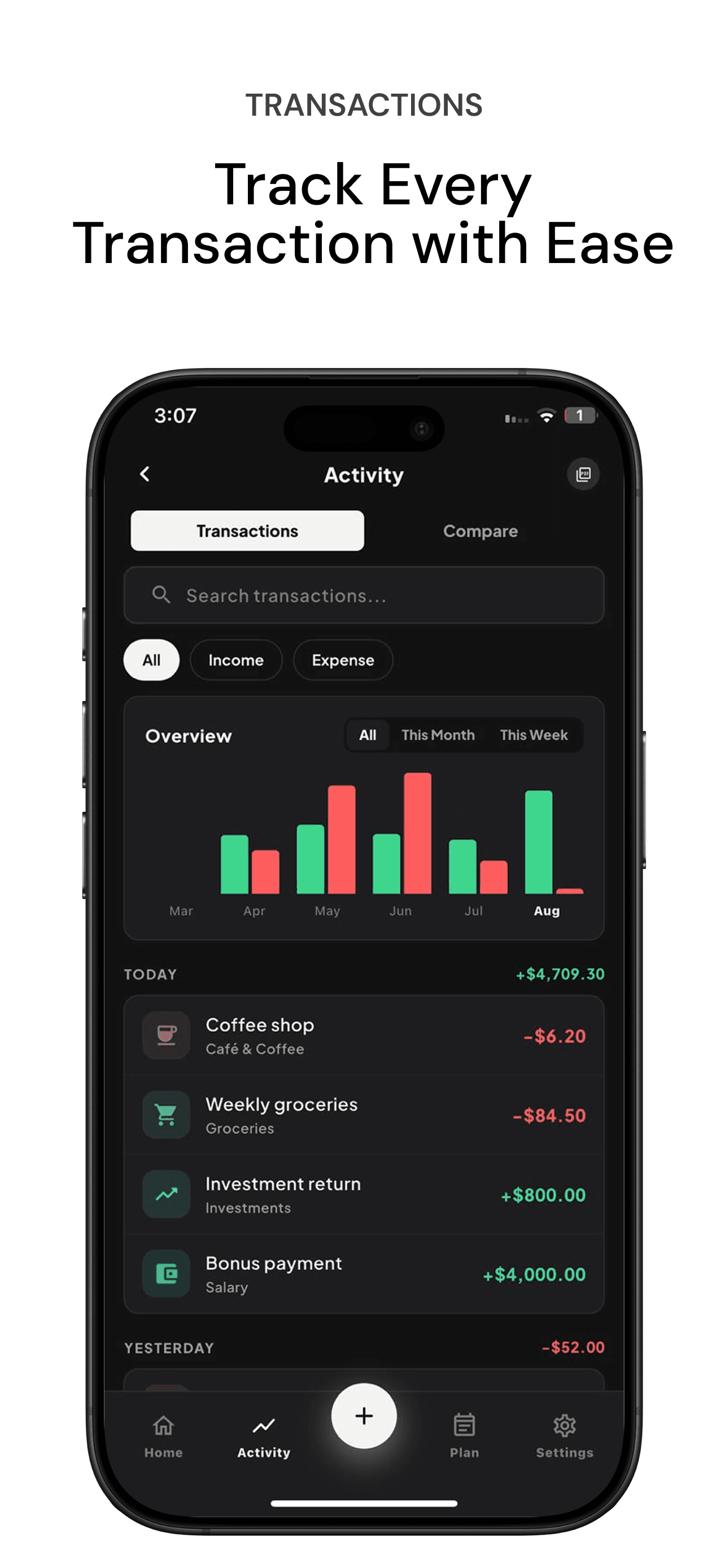
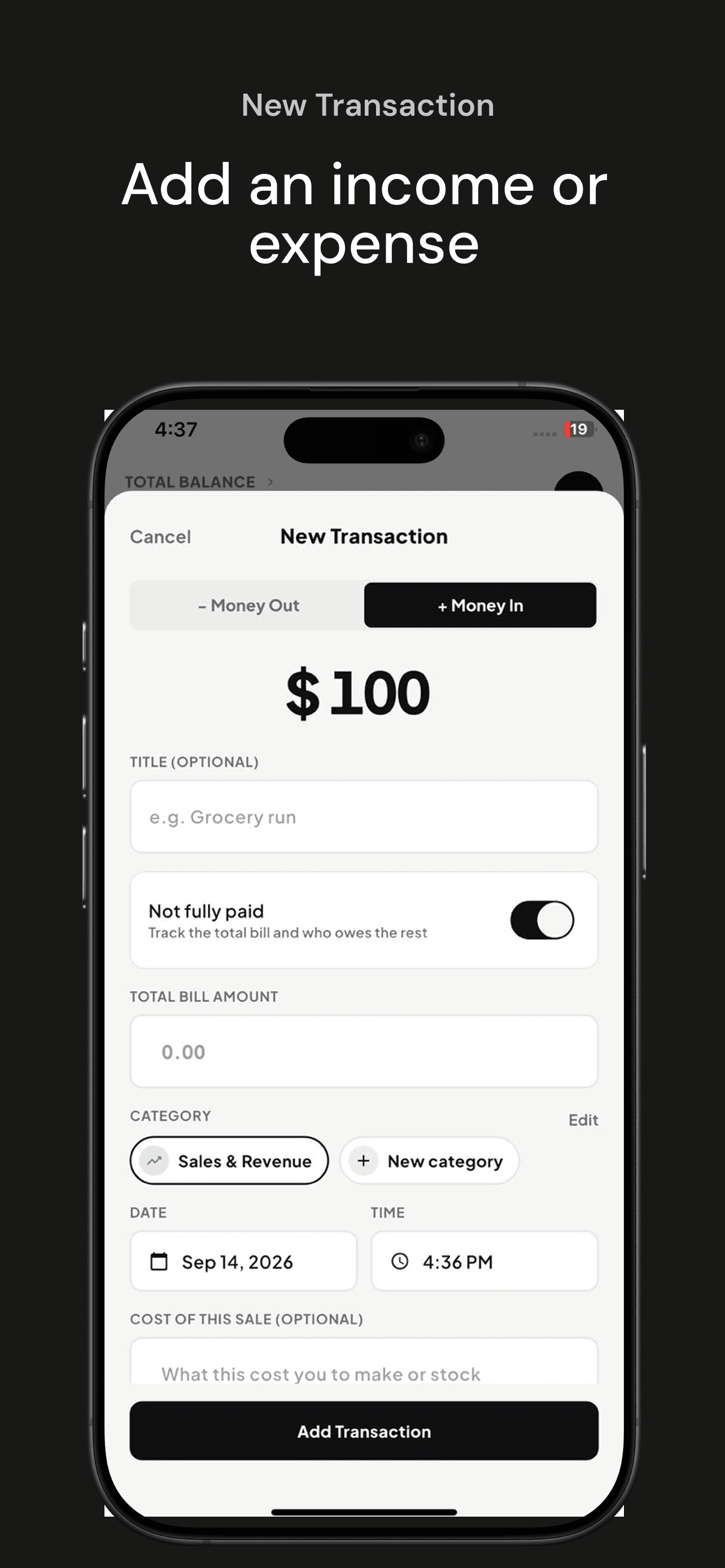
Log transactions in seconds. Categorize with built-in categories or your own custom ones (name, icon, and color), add notes, and filter by type, category, or keyword.
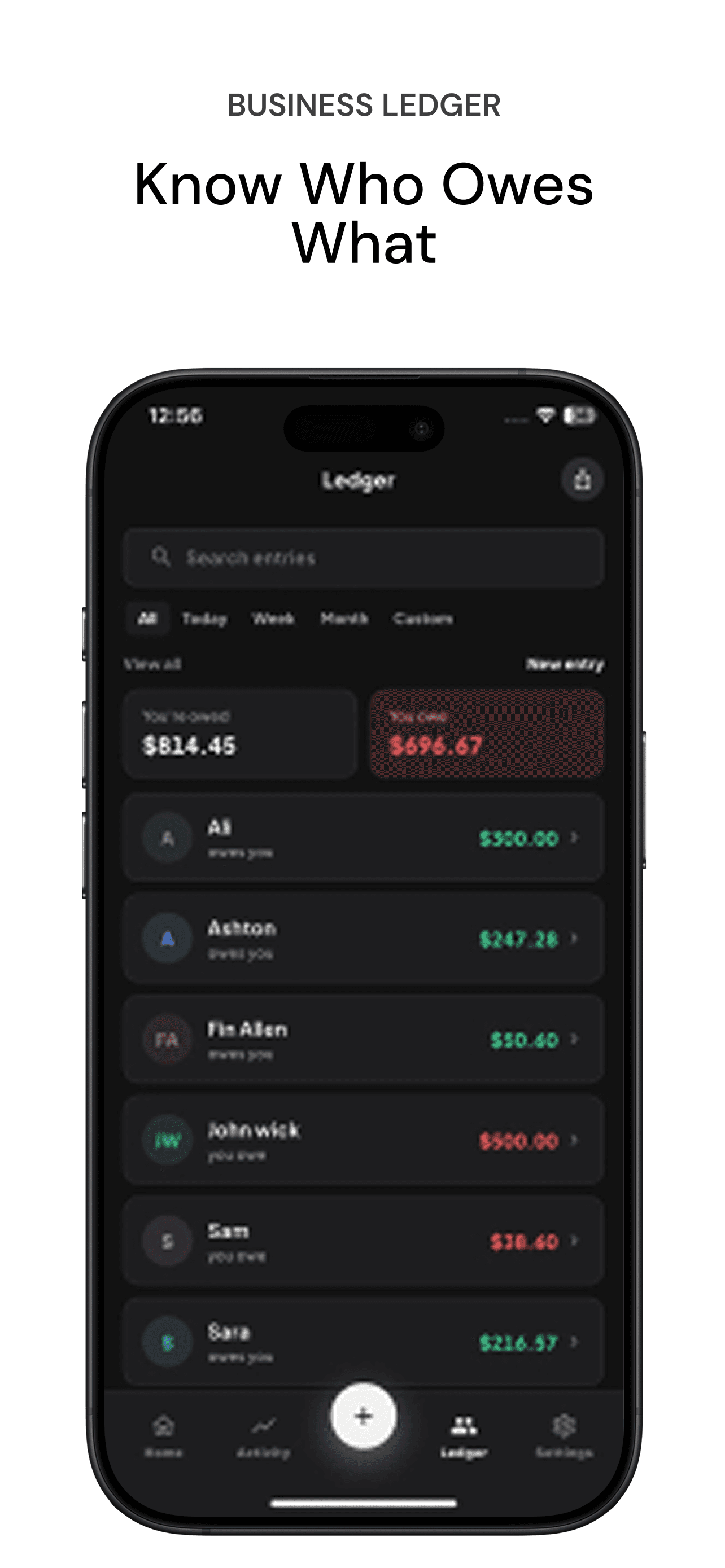
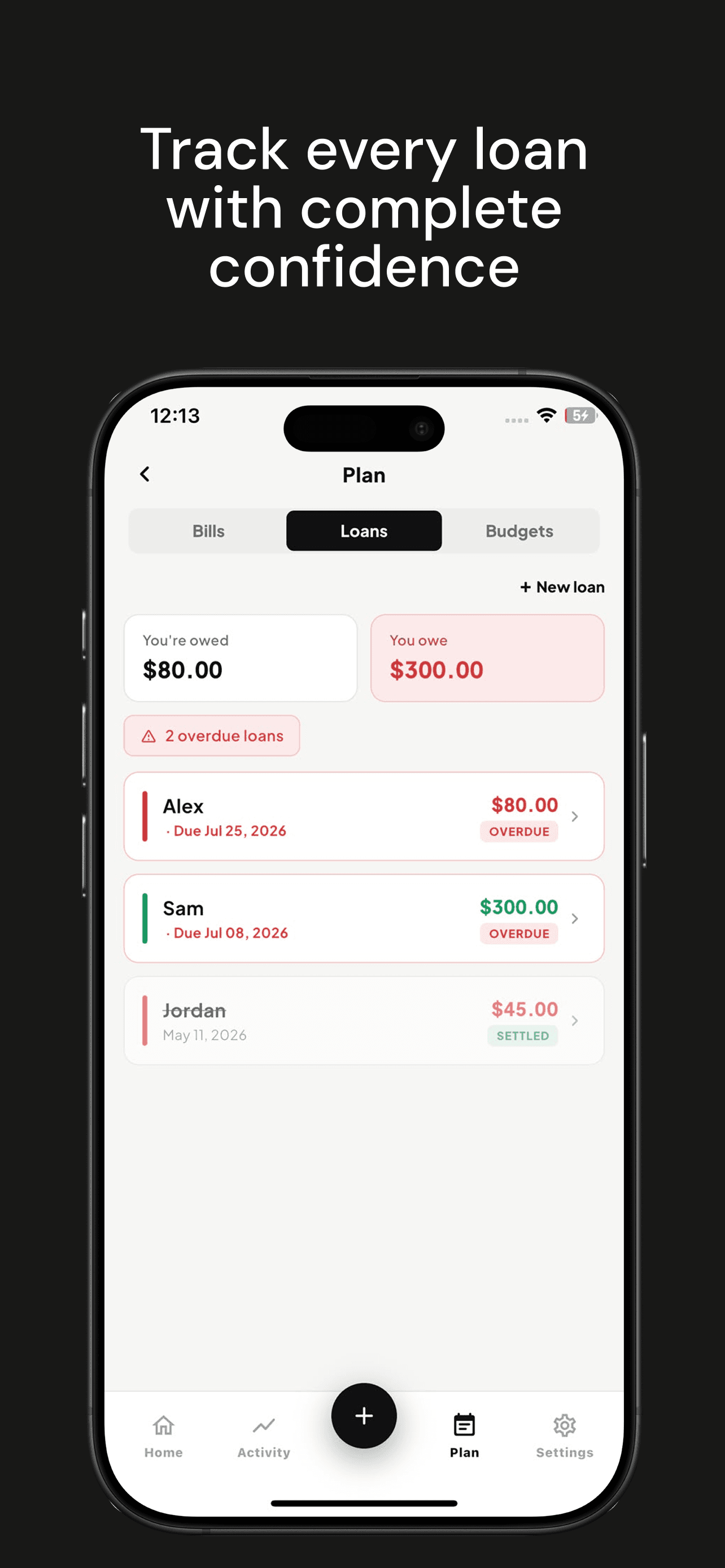
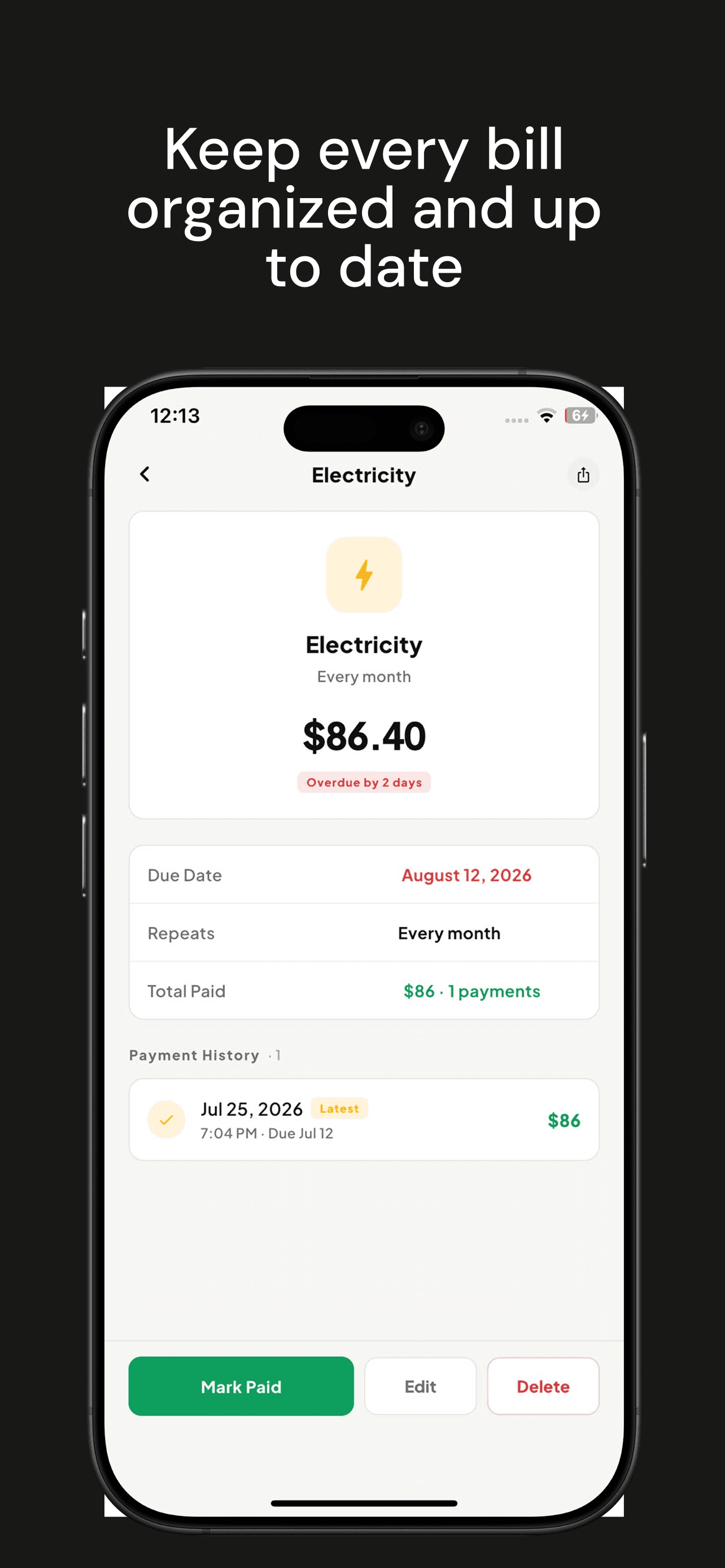
Keep a running tally of what people owe you or you owe them in the Ledger, and track individual loans separately with due dates, overdue alerts, and full payment history.
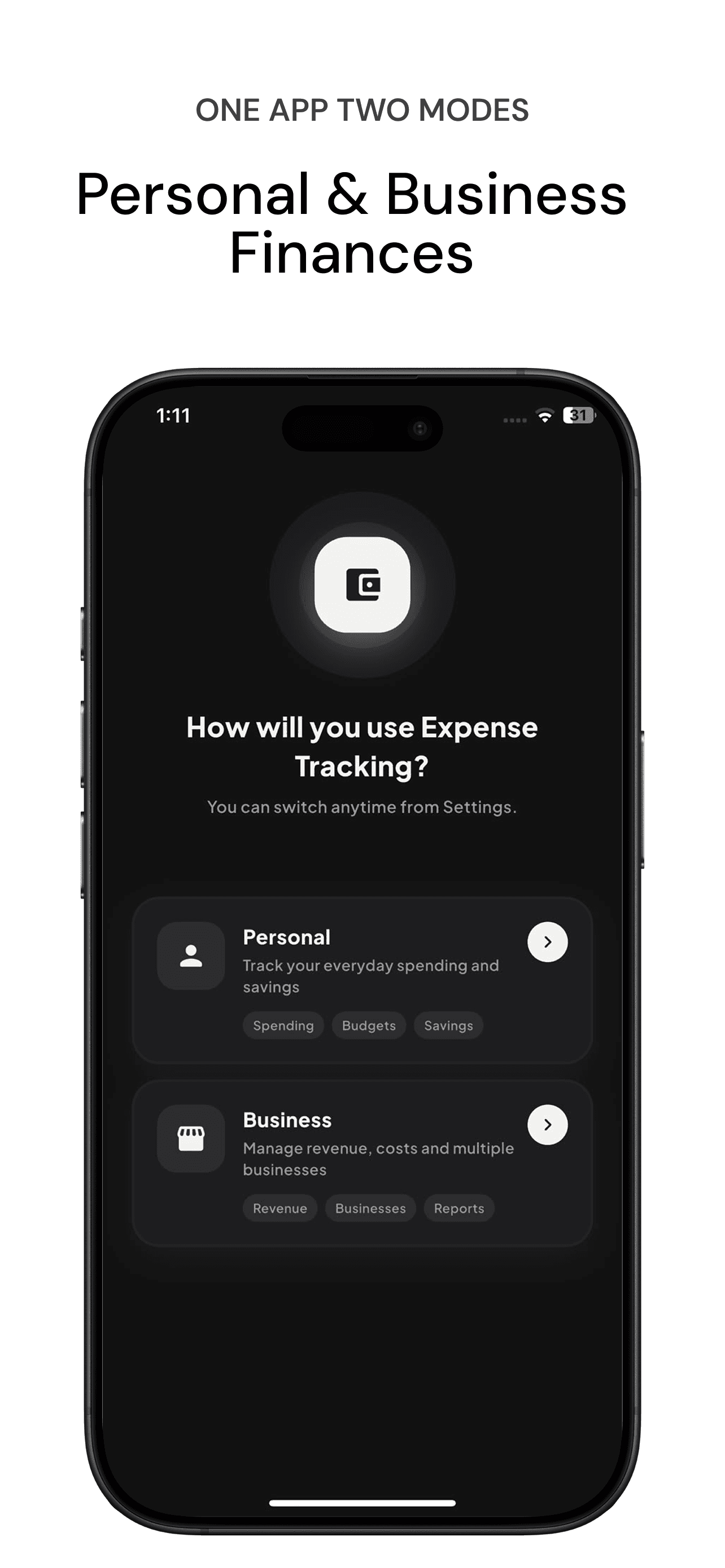
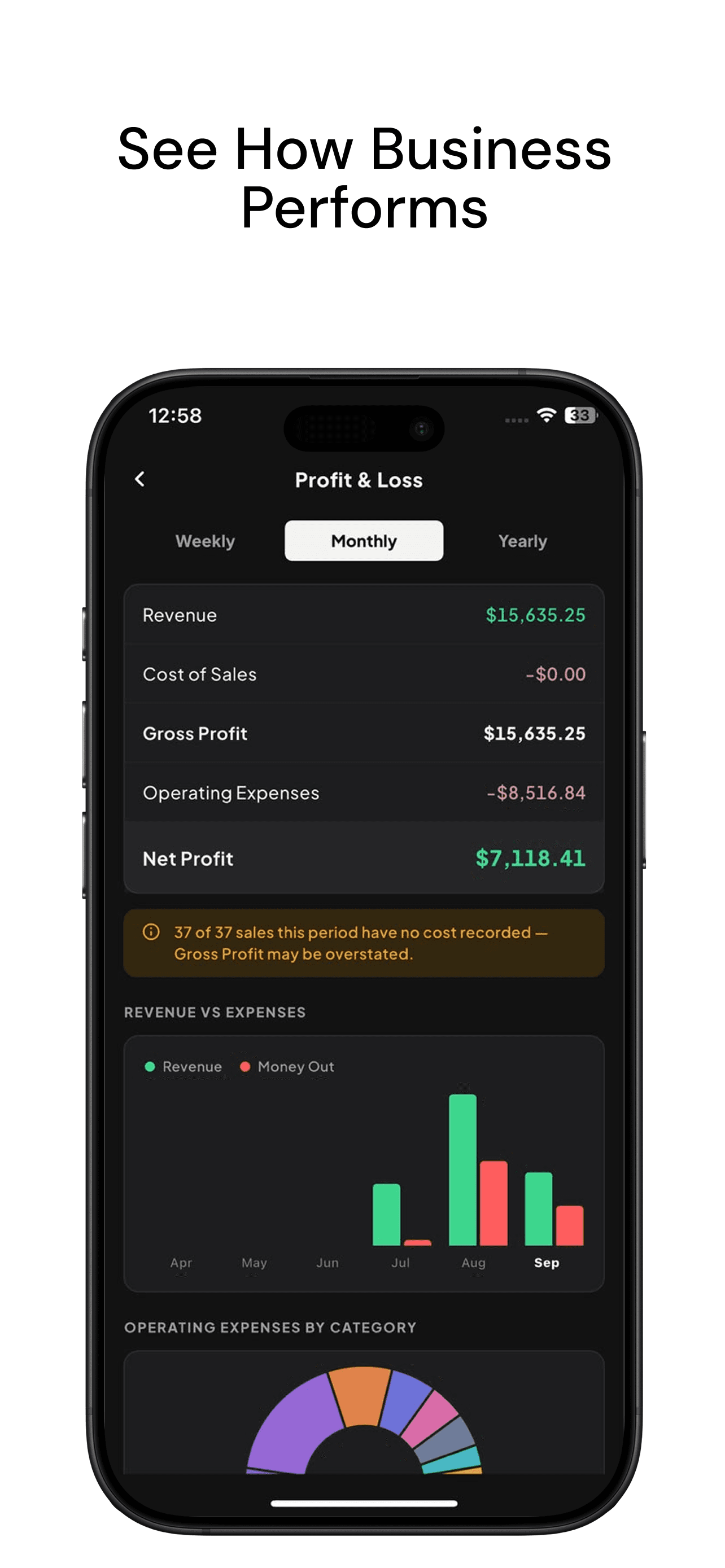
Switch to Business mode for Bill Reminders, Budgets, a full Profit & Loss report, and quick Daily Sales entry. Run more than one shop by adding multiple stores and switching between them.
Invite up to 5 team members to a shared business store by email, with Staff or Manager permission presets, an activity log, and the ability to transfer ownership.
Set per-category budget limits with real-time progress, and a weekly, monthly, or yearly savings goal the app tracks automatically from your income and spending.
Link an account with just your email (a one-time code, no password) to back up your data in the background and pick up exactly where you left off on a new device.
Save a full backup or export a CSV to your phone, Google Drive, or iCloud, with optional automatic backups. Restore a backup, or import transactions from another app or spreadsheet with a preview before anything saves.
Lock the app behind a 4-digit PIN, with an email-based reset flow if you ever forget it, so your financial data stays private on a shared device.
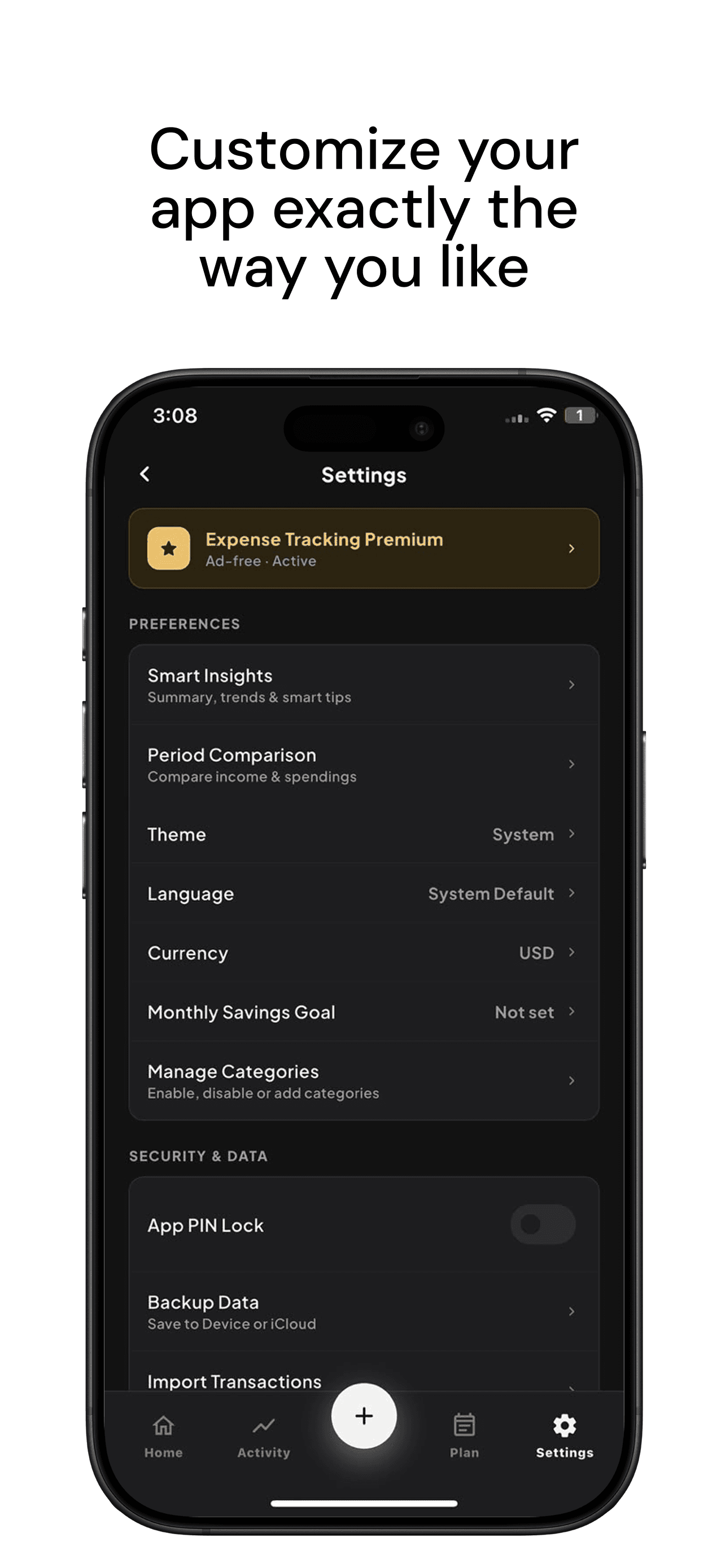
Switch between USD, PKR, INR, EUR, SAR and more with a single tap, built for travelers and international users.
Fully localized into English, Arabic, German, Spanish, French, and Urdu, so you can use the app in the language you think in.
A premium-feeling dark mode and a clean light mode, auto-synced with system preference or switched manually.
Screenshots
How It Works
Up and running in under a minute
Download the App
Available free on the iOS App Store and Google Play. No account or sign-up required, just install and go.
Add Your Transactions
Log income and expenses in seconds. Pick a category, add a note, and you're done.
Get Instant Insights
See spending patterns, savings progress, and loan status at a glance with clear charts and summaries.
Frequently Asked
Expense Tracking questions
Is the Expense Tracking app free?
Yes. Expense Tracking is free to download on the iOS App Store and Google Play, and you can start tracking expenses without creating an account.
Does the expense tracker work offline?
Yes. Everything works fully offline. If you create a cloud account, your data is backed up and synced across your devices when you are online.
Can I use it to track business expenses?
Yes. Business Mode lets you track business income and expenses separately from personal spending, and you can invite up to 5 team members to share a business.
Can I track loans and money people owe me?
Yes. The Ledger keeps a running balance with each person, and Loans track individual amounts with due dates, overdue alerts and payment history.
Which currencies and languages does it support?
It supports more than 60 currencies, and the app is available in English, Arabic, German, Spanish, French and Urdu.
Who made this app?
Expense Tracking is built and run by Reflect Technology Inc., a Canada-registered app development company. We use it as a showcase of the apps we build for clients.